
Posts on the Topic Spooler
 AI-generated
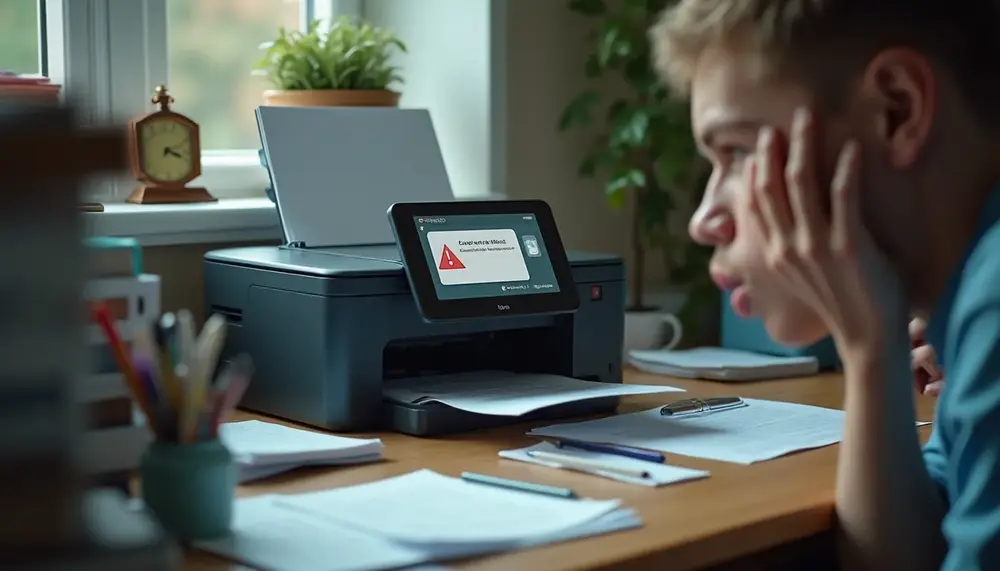
When your document print queue won't delete, it may be due to communication issues or software glitches; troubleshooting steps include checking connections, restarting the spooler, and manually clearing the queue....
 AI-generated
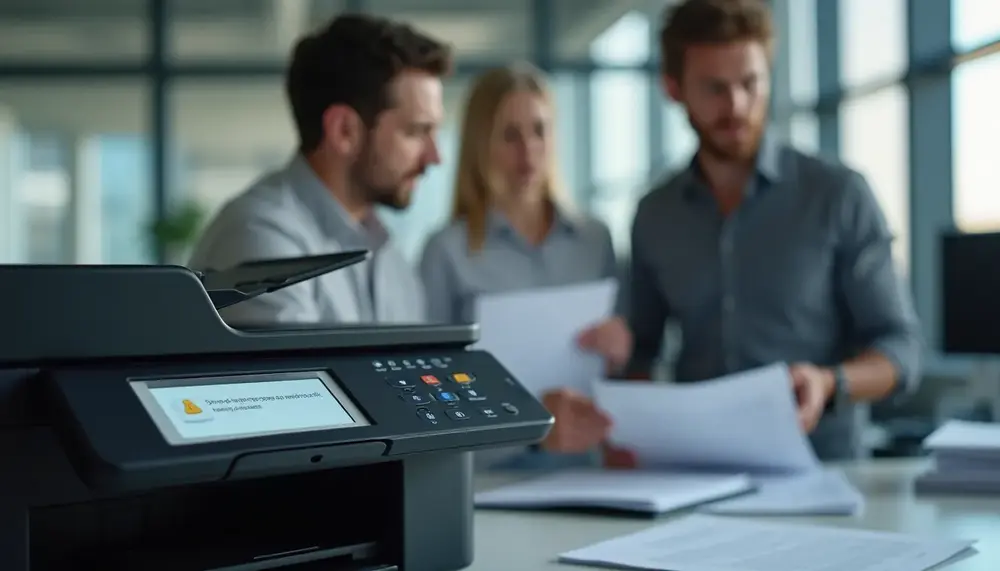
To resolve stuck print jobs, check for error messages, verify printer status and connections, inspect the print queue, update drivers, stop and restart the Print Spooler service. Manually delete any problematic files in the spool folder to clear issues effectively....

