
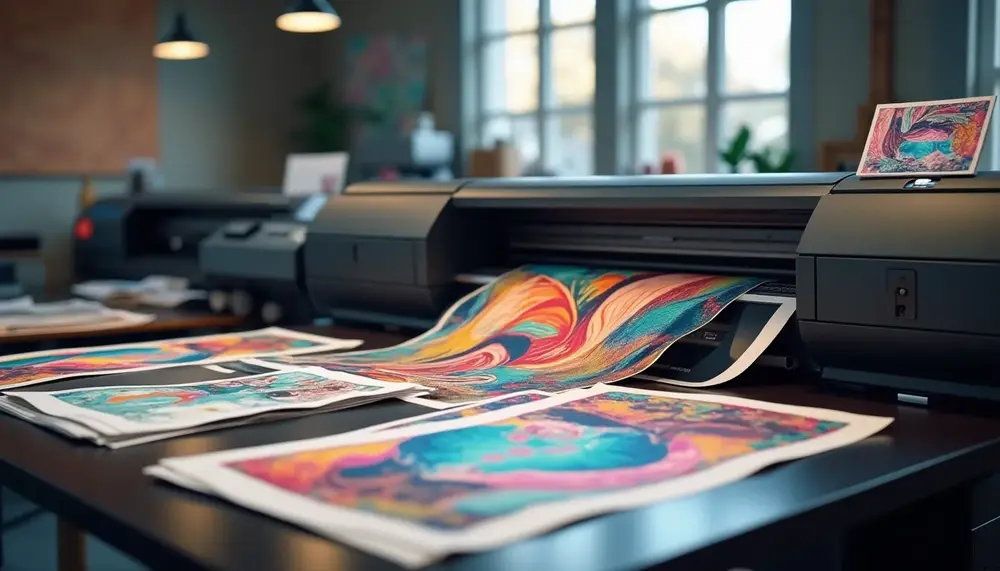
Digital Printing Techniques for Posters
When it comes to digital printing for posters, various techniques can dramatically influence the final product's quality and appearance. Understanding these techniques helps in making informed decisions for your printing needs.
Inkjet Printing is one of the most common methods used for digital poster printing. It works by spraying tiny droplets of ink onto the paper or material. This method offers high-quality results with vibrant colors and detailed images. Inkjet printers are versatile and can handle a range of media types, making them suitable for various poster sizes and finishes.
Laser Printing is another technique that uses laser beams to produce images on paper. This method is known for its speed and efficiency, particularly when printing large quantities. Laser printers typically provide crisp text and images, making them ideal for posters that include a lot of textual information.
For posters requiring a more artistic touch, Dye-Sublimation Printing is a great choice. This technique uses heat to transfer dye onto materials like fabric or specially coated surfaces. The result is a smooth, high-resolution image with vibrant colors that are resistant to fading, making it perfect for indoor displays.
Wide-Format Printing caters to larger posters and banners. This technique employs specialized printers that can handle wide rolls of paper or vinyl. It’s particularly useful for creating eye-catching graphics that need to stand out in public spaces.
In addition to these printing methods, direct-to-substrate printing Common materials for digital printing posters include paper, vinyl, canvas, foam board, metal, and acrylic. Each material offers different durability and aesthetic qualities suitable for various applications. Digital printing provides high-quality prints with vibrant colors, quick turnaround times, and the flexibility to print custom designs on demand. It also allows for various material options and environmentally friendly practices. Prepare your design by ensuring it is in CMYK color mode and at least 300 PPI (pixels per inch) resolution. Additionally, include bleed areas if necessary and proofread all content for errors before sending it to the printer. Finishing options for digital posters include lamination, mounting on rigid boards, framing, edge finishing, and protective coatings. These options enhance durability and visual appeal. To order digital printing posters online, select a reputable printing service, prepare and upload your design, choose your options (material, size, finishing), review the proof, and place your order with the required details.FAQ About Digital Printing Posters
What materials are commonly used for digital printing posters?
What are the advantages of digital printing for posters?
How do I prepare my design for printing?
What finishing options are available for digital posters?
How can I order digital printing posters online?


